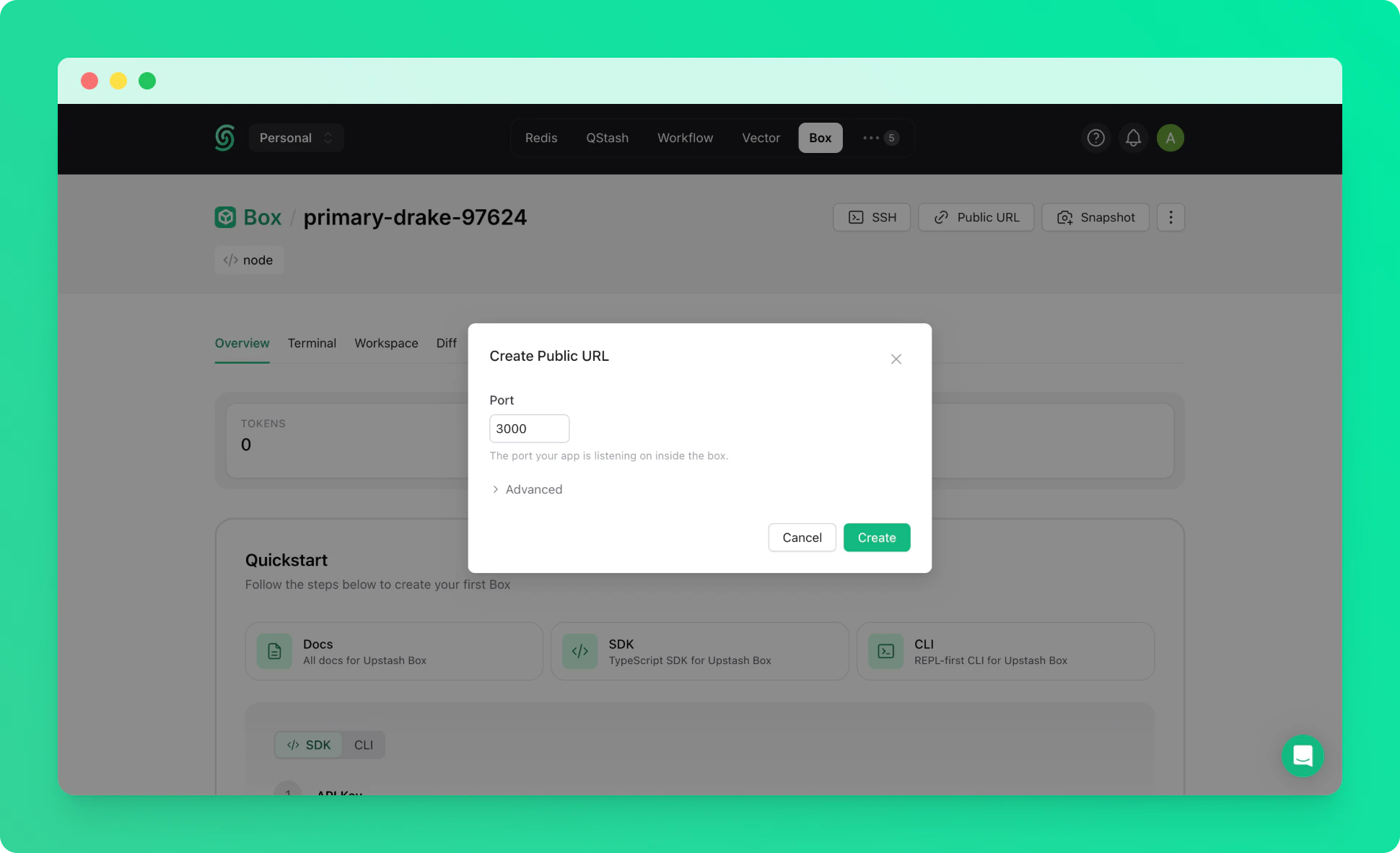
1. Create a Box
Create a box with default settings. See the quickstart if you haven’t created one before.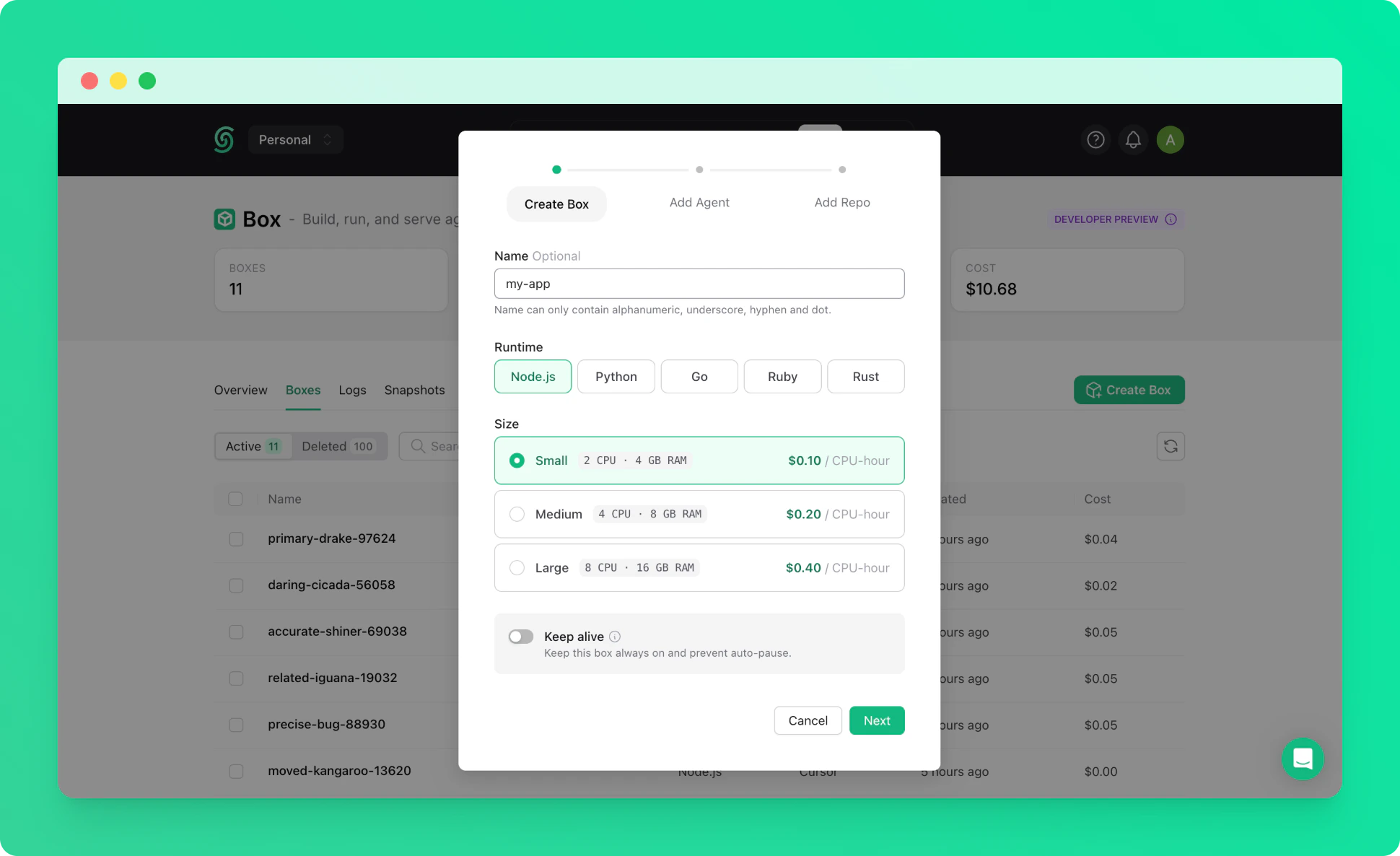
2. Connect via SSH with Port Forwarding
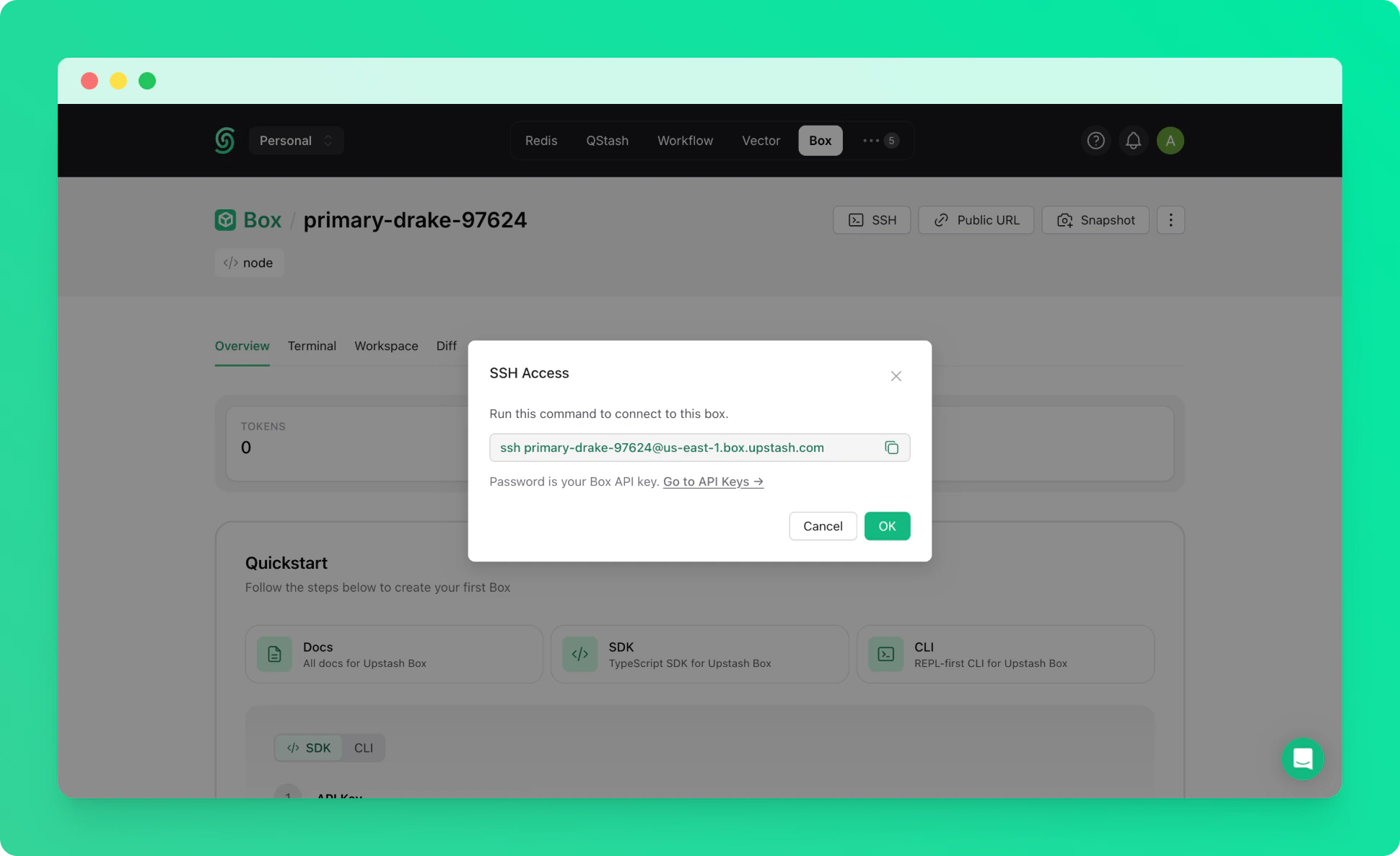
Connect to your box via SSH with the-L flag to forward a port from the box to your local machine. Replace 3000 with whichever port your dev server listens on.
The box-id is the name of your box (e.g. right-flamingo-14486).
3. Start Your Dev Server
Inside the box, start your application. You can set it up manually or ask the built-in agent to build one for you. For example, with Next.js:4. Share with a Public URL (Optional)
If you want to share your app with others, you can expose a port with a public URL from the Upstash Console. See the Public URLs guide for details. Your app will be accessible at: