

1. Create a Box
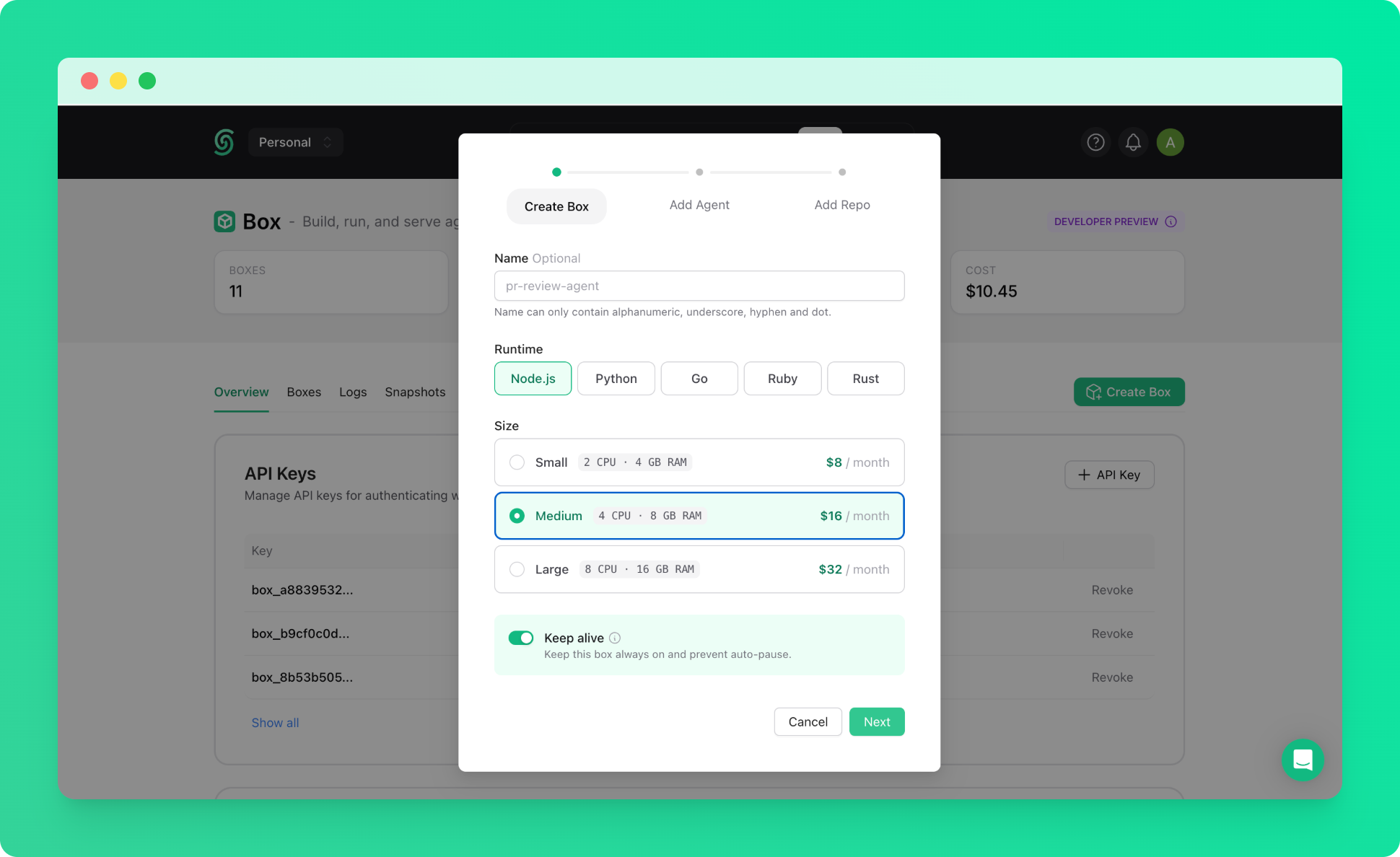
Create a keep-alive box with the Medium size. See the quickstart if you haven’t created one before.Hermes is resource-intensive, so we recommend starting with a Medium box to ensure a smooth installation.
2. Connect via SSH
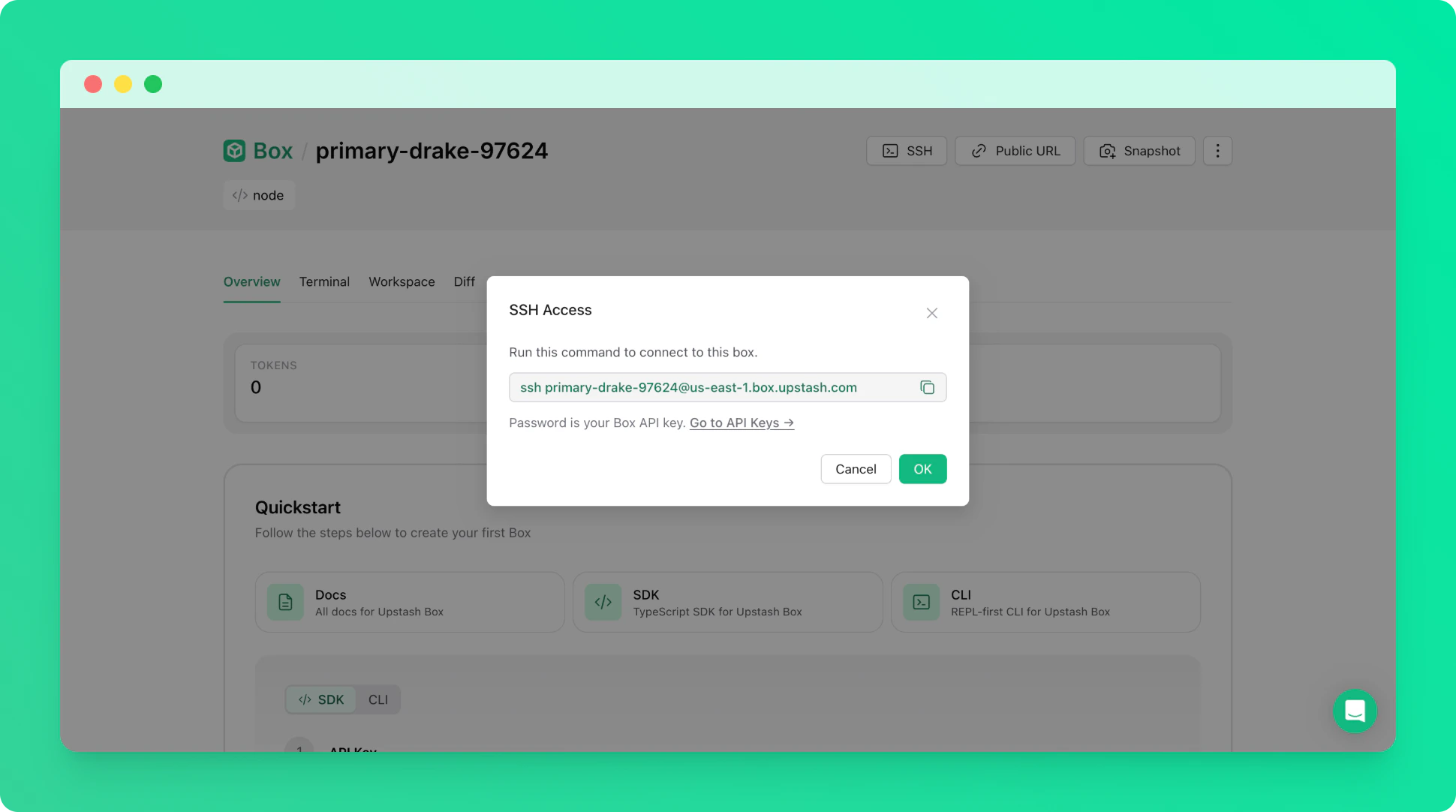
Once the box is running, connect to it via SSH from your terminal. Use your Box API key as the password when prompted. Thebox-id is the name of your box (e.g. right-flamingo-14486).
3. Install Hermes
Run the following command to download and install Hermes inside the box.4. Set Init Script for Auto-Restart
To ensure Hermes restarts automatically if the box crashes, set the startup command as an init script from the Upstash Console.